← Back to selected work

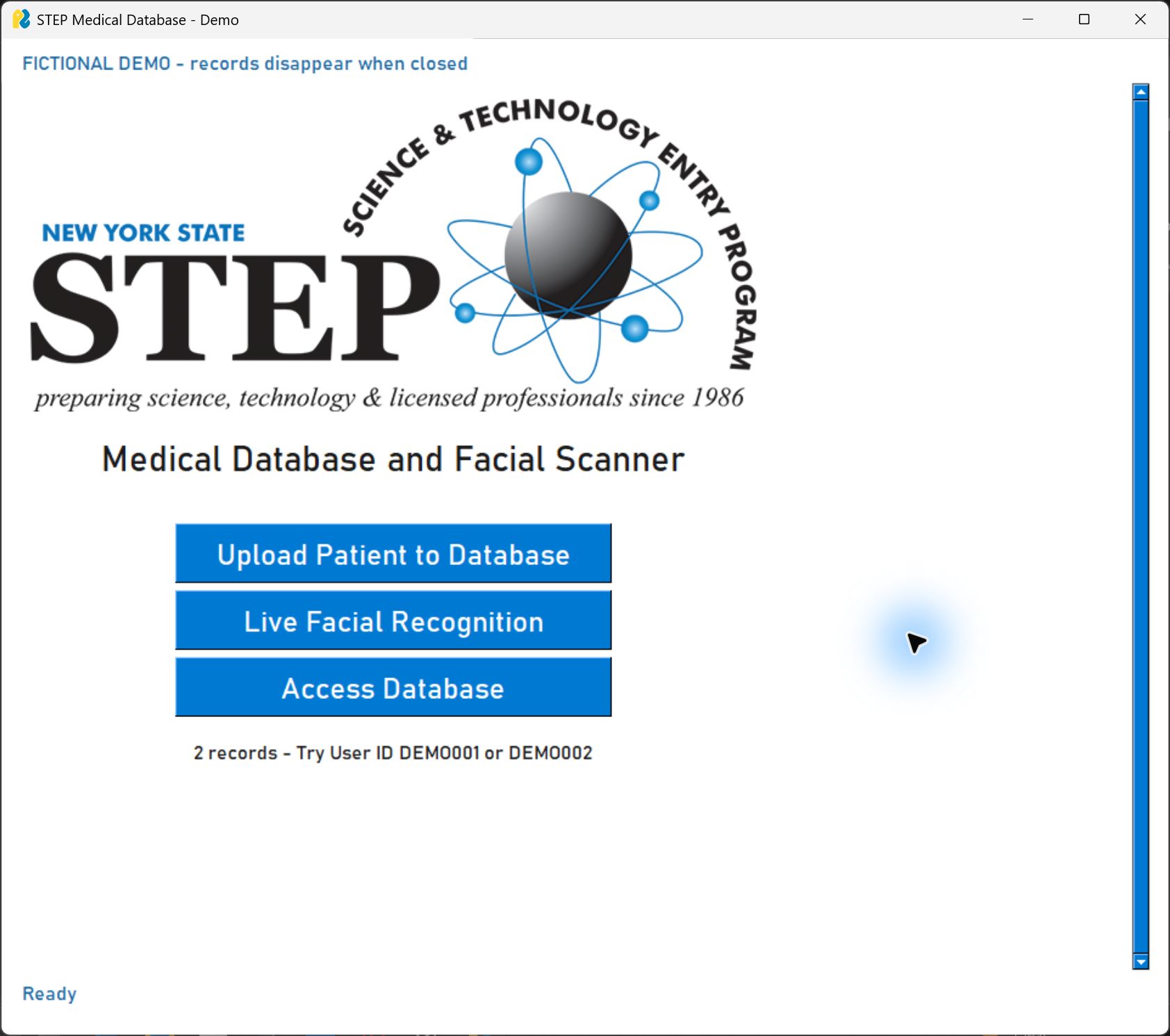
STEP / Computer vision for access

A familiar face.
A path to the right record.

What if finding a patient’s information didn’t depend on a reliable internet connection? STEP explores face-assisted record lookup on a local computer.

01 / Under the hood

From pixels to a candidate.

Follow one capture through the current pipeline.

Interactive illustration · Fictional data. This page explains the process; it does not identify faces or access your camera.

INPUT / ON THIS DEVICE
One fictional capture
Webcam frameor selected photo

Step 01 of 05

Start with a capture.

The desktop app accepts a webcam frame or an existing photo. Processing happens on the same device. Enrollment requires exactly one detected face.

The actual app processes captures in memory rather than saving them as photographs.

Read the complete pipeline and source

YuNet detects the face and landmarks. SFace aligns the crop and produces 128 values. SQLite links that template to patient details by ID. A new capture is compared to stored templates using cosine similarity; the highest score yields a candidate if it meets the threshold. Otherwise the result is unknown. An operator reviews the candidate before opening its record. Direct ID lookup is also available.

Recognition implementation ↗Storage implementation ↗

Try the decision rule

Where does a candidate become “unknown”?

Move the cutoff or change the sample. The same score can produce a different decision.

0 · more permissive1 · stricter
Record A0.780
Record B0.510
Record C0.220

Candidate A → operator review

These are made-up similarity scores, not confidence percentages. The repository’s default 0.363 threshold has not been calibrated for this application.

02 / Why it matters

Designed around real constraints.

In a clinic with limited connectivity or a small technology budget, a cloud-dependent lookup system may be difficult to sustain. My goal is to explore a simpler path to finding information, including in lower-income countries.

Choose a constraint to see the design response.

The design response

Keep the core workflow local.

After installation and model downloads, enrollment, recognition, and record lookup work offline. Losing connectivity does not require sending a new image to a cloud service.

CaptureLocal comparisonStaff review

What I demonstrated

Award-winning original research.

The original face_recognition/dlib version achieved approximately 85% identification accuracy in my testing with 25 sample faces, and won first place statewide across all divisions at the New York STEP Science Fair.

What comes next

Validate the potential.

The current OpenCV version has not had a new accuracy evaluation. Faster lookup and more time for care are intended benefits, not measured clinical outcomes. Real-world use would require representative testing, consent, secure storage, access controls, and safeguards against false matches.

Educational prototype · not for clinical use or identity verification.
Next projectAtlasOne